Steps: 1
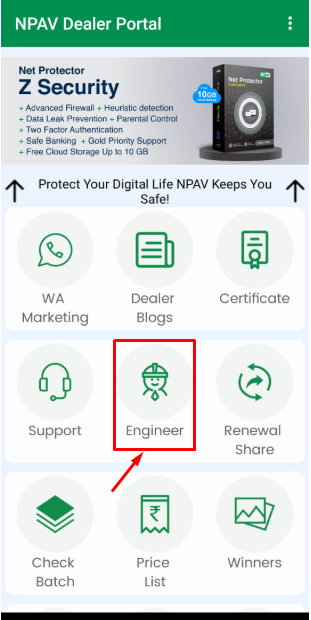
Open the Dealer Portal App, navigate to the ‘Engineer‘ section on the dashboard, and click on it.
Steps: 2
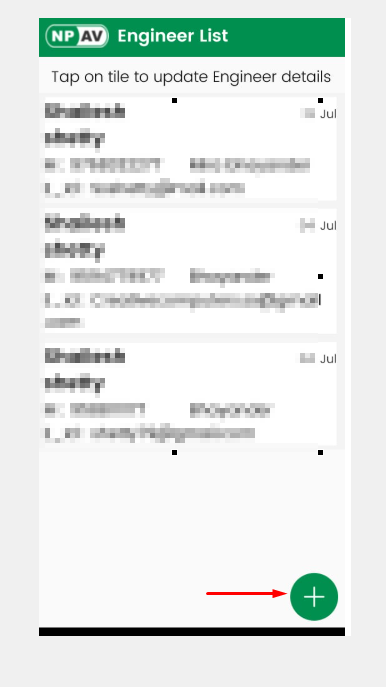
To register a new engineer, click the ‘+‘ button and fill in the required fields
Steps: 3
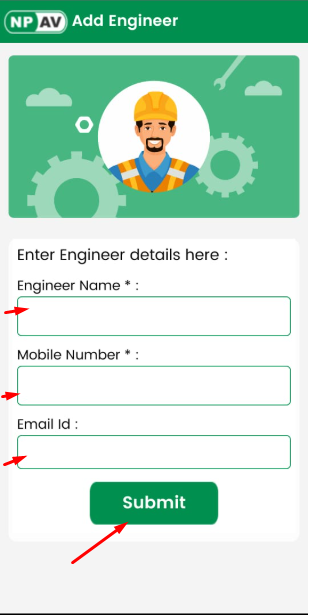
Please fill in all the required details and click the ‘Submit‘ button. Once submitted, a confirmation message will appear: ‘Engineer added successfully.’