Steps: 1
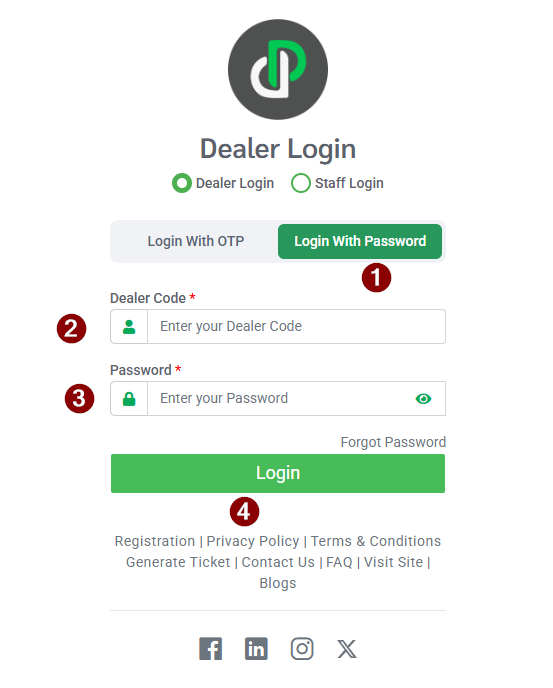
Login Dealer portal web using correct credentials.
Steps: 2
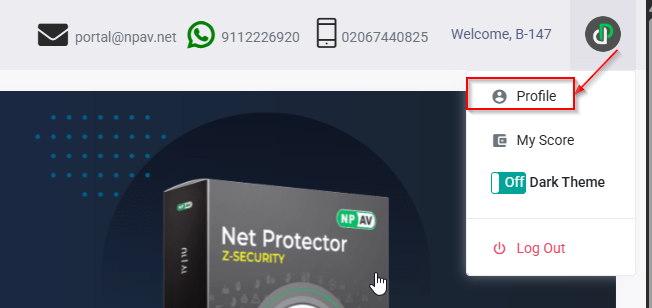
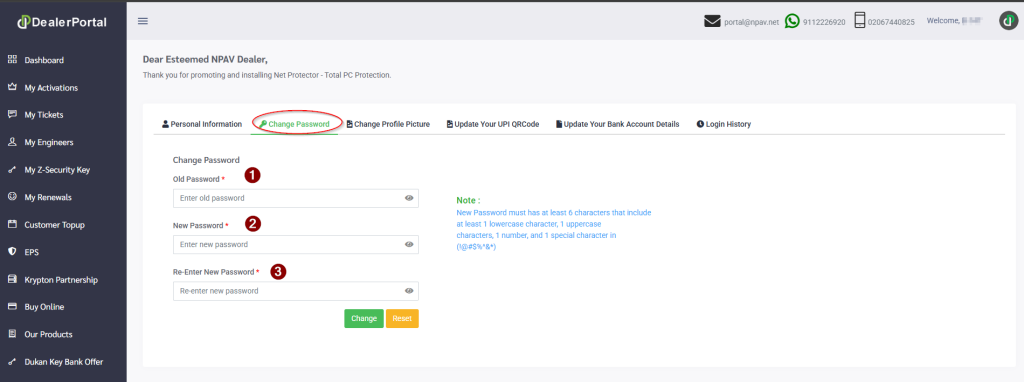
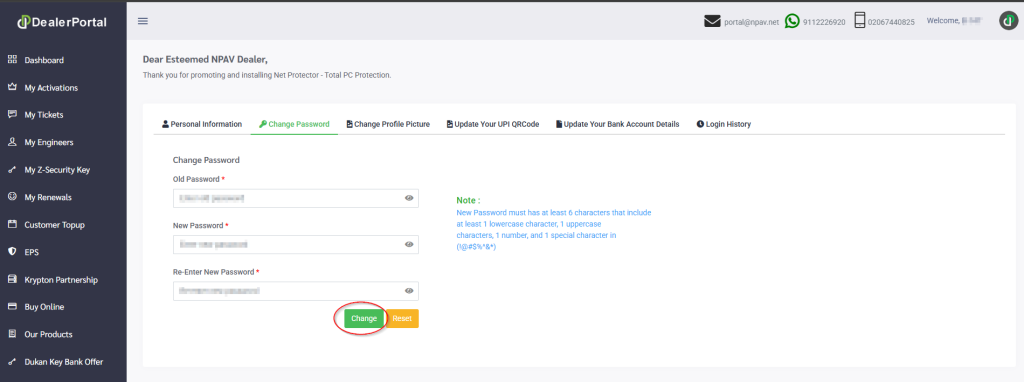
Navigate to the Profile menu, click the Change Password Tab, and Enter your Old Password and then New Password and Re-Enter New Password
Steps: 3
After entering your password then click on ‘Change‘ button
Steps: 4
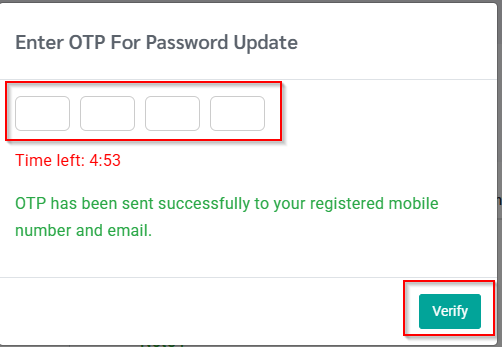
Enter OTP For Password Update which is received on Registerd Mail ID and Mobile Number
Steps: 5
After entering the OTP, click the “Verify” button.
How to Change password Using Dealer poratl App
Steps: 1
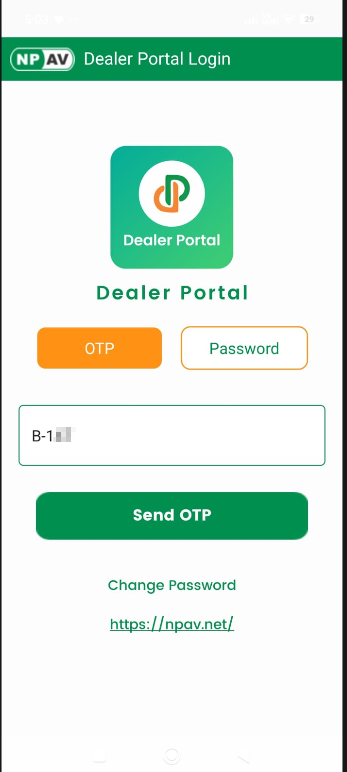
Launch the Dealer Portal Application
Steps: 2
Click the Change Password button.
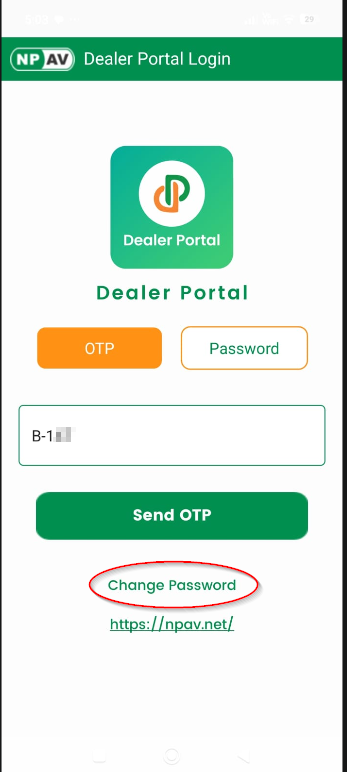
Steps: 3
Enter your Old Password, New Password, and Re-enter New Password, then click the Submit button.
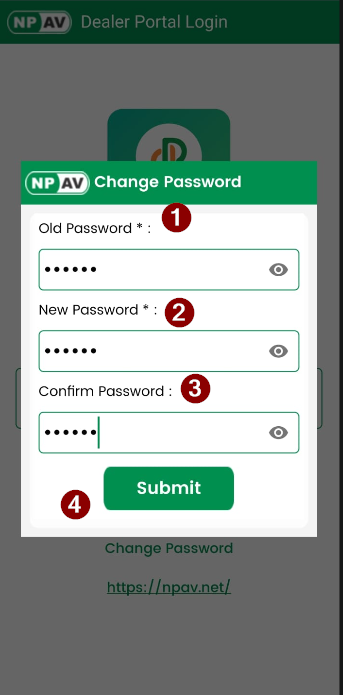
Steps: 4
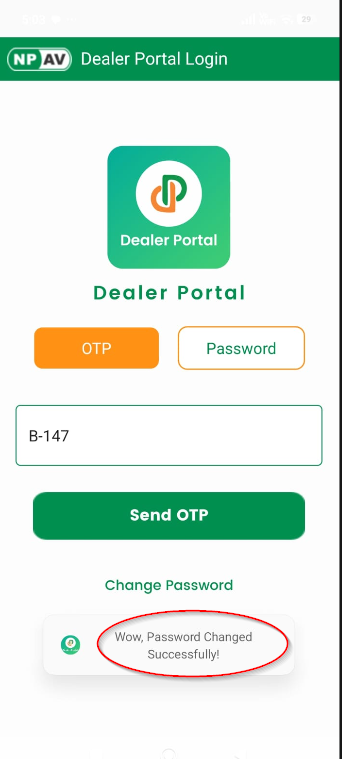
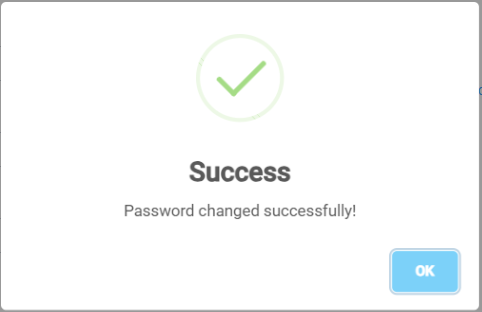
After the password is changed successfully, the message “Wow, Password Changed successfully!” should be displayed.