
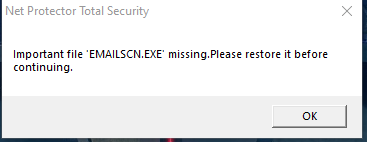
If you receive the following error popup on your PC:
“Important file ‘EMAILSCN.EXE’ missing. Please restore it before continuing.“
Please follow the steps below to resolve the issue:
Step 1 :
Open the NPAV Dashboard and click on Update Now.
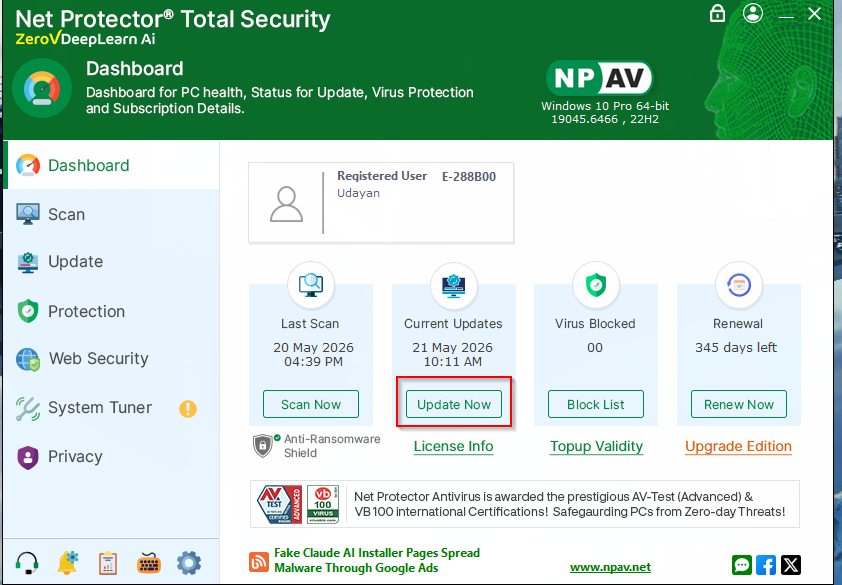
Step 2 :
Click the Download button. The update download will begin automatically.
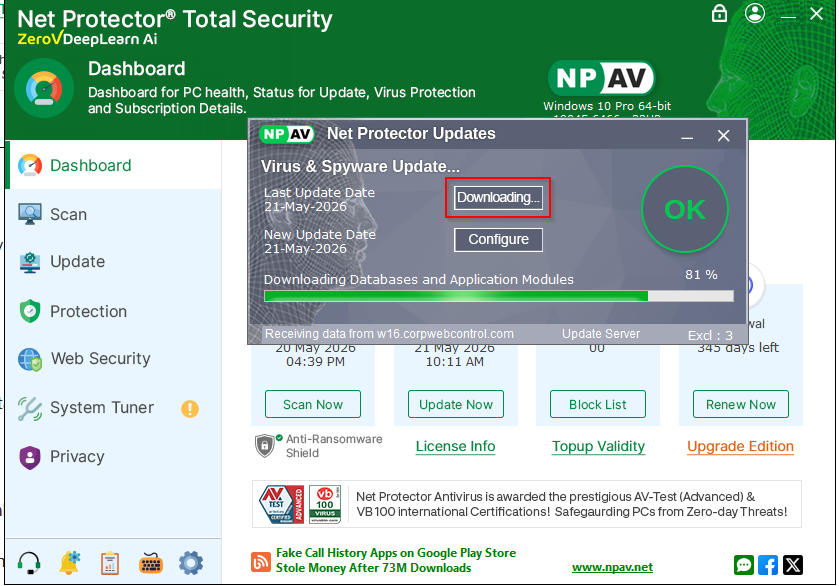
Step 3 :
Wait for the download to complete. Once completed, a popup message stating “Update Successfully” will appear. Click OK.
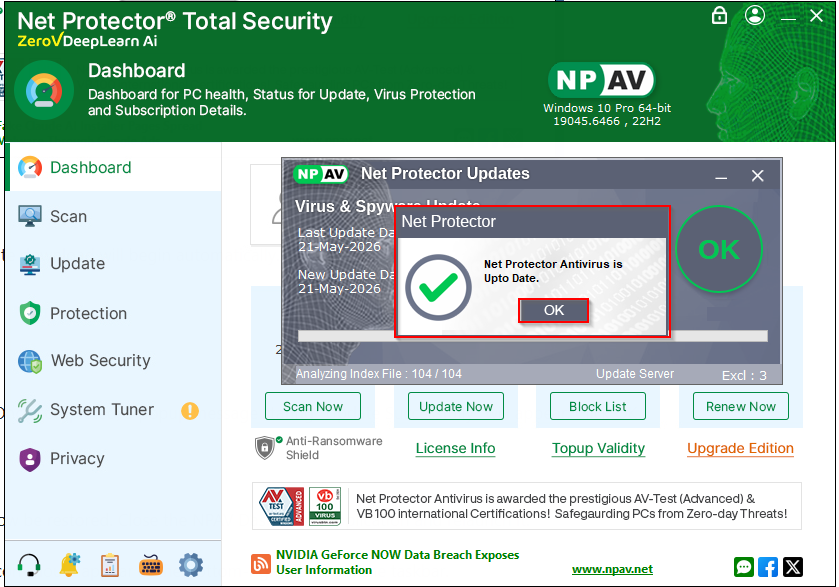
Step 4 :
The missing EMAILSCN.EXE file will now be restored. Close the NPAV Dashboard/application and relaunch it.
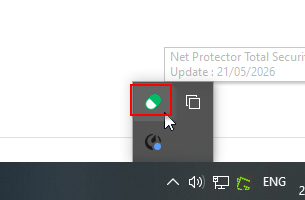
After restarting, the Email Scan tray icon should appear at the bottom-right corner of the taskbar.
Step 5 :
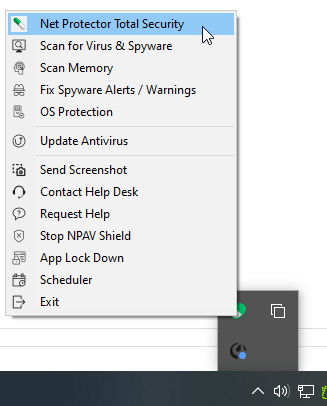
Verify that the Email Scan service is working properly. Right-click the Email Scan tray icon to confirm that all options are displayed and functioning correctly.
If facing any other issue , please contact to NPAV Team.
